Loading...
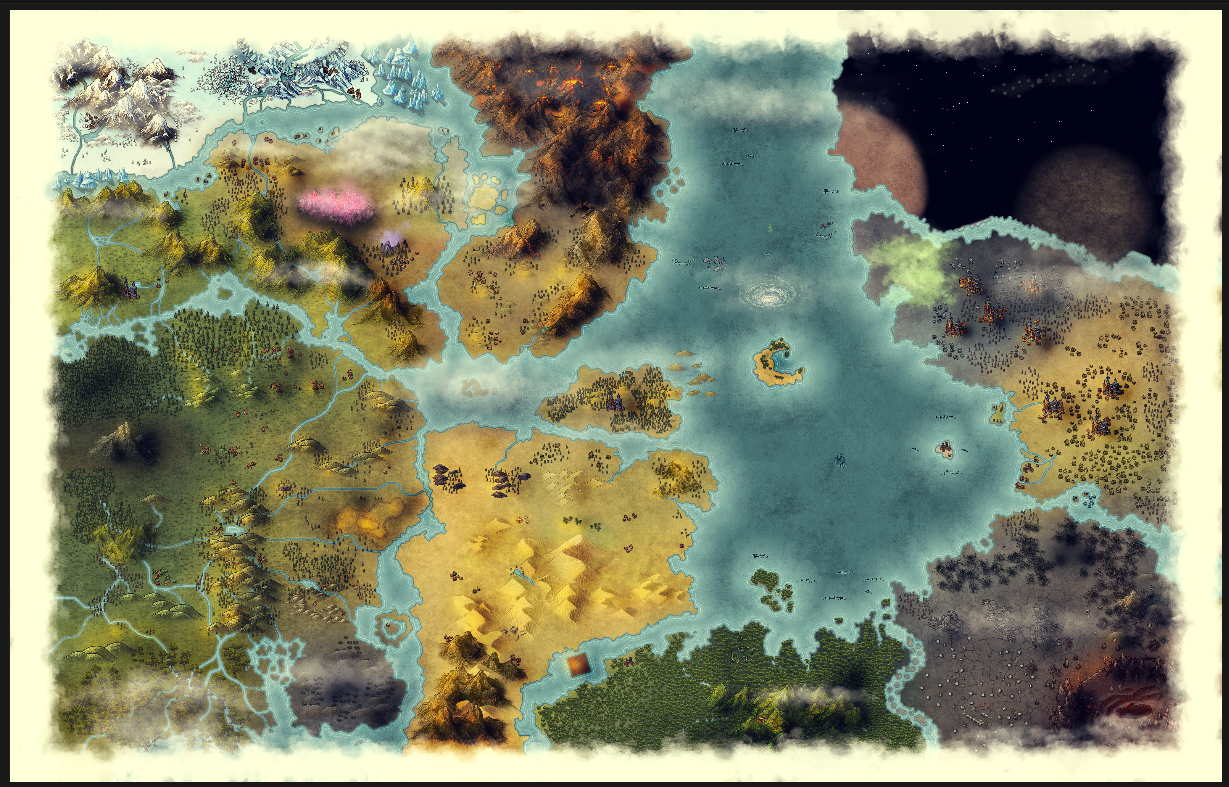
This is a guide on replicating this aesthetic for world maps in Inkarnate:
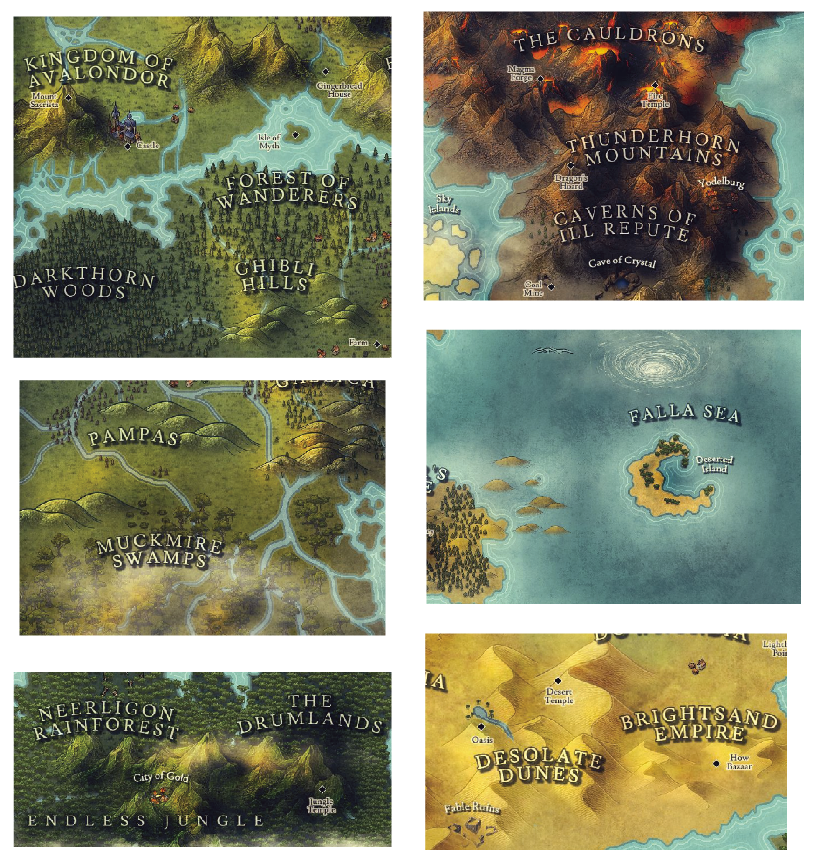
Tutorial
ℹ️ Note: I will not be creating geographically accurate climate or rivers. This is just for demonstrating an aesthetic.
-
Hide all layers.
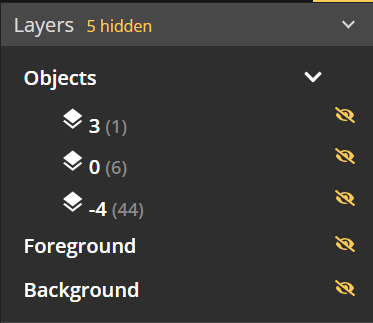
-
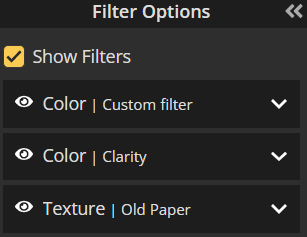
Add filter layers (Add Layer, then Filter Layer) and keep them at the top of the Layers panel, using settings shown in the Filter Settings section.
- Show Water (Brush). Before Inkarnate 2.0 this layer was called Background.
-
With brush tool, fill Water (Brush) with #3a7472. Painting with a color needs a paid plan.
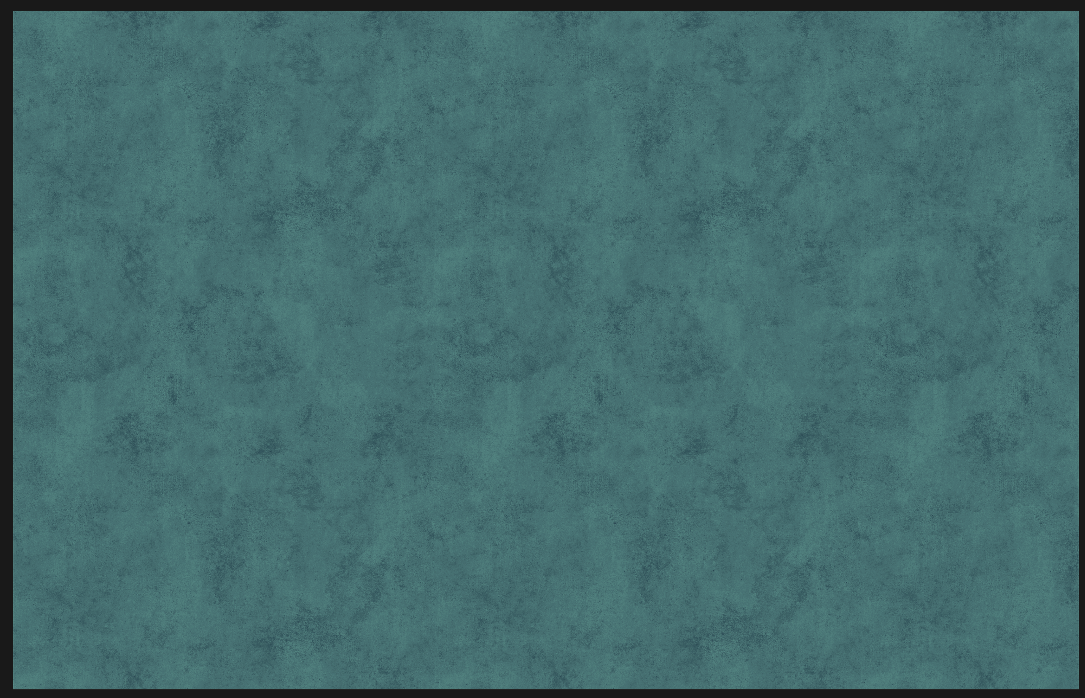
- Show Land (Brush). Before Inkarnate 2.0 this layer was called Foreground.
- Set the Land Tool settings and the land layer's Land Style Options, using the settings shown in the Land Tool Settings section. Custom Land Style values need a paid plan.
-
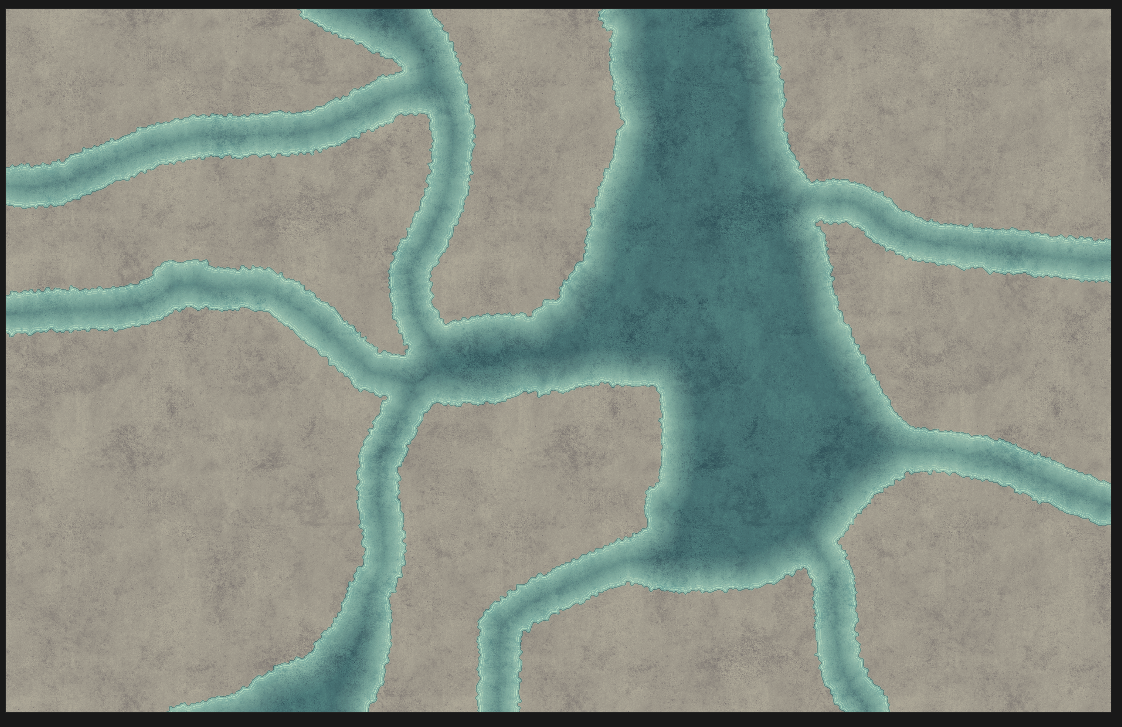
Draw some land masses.
-
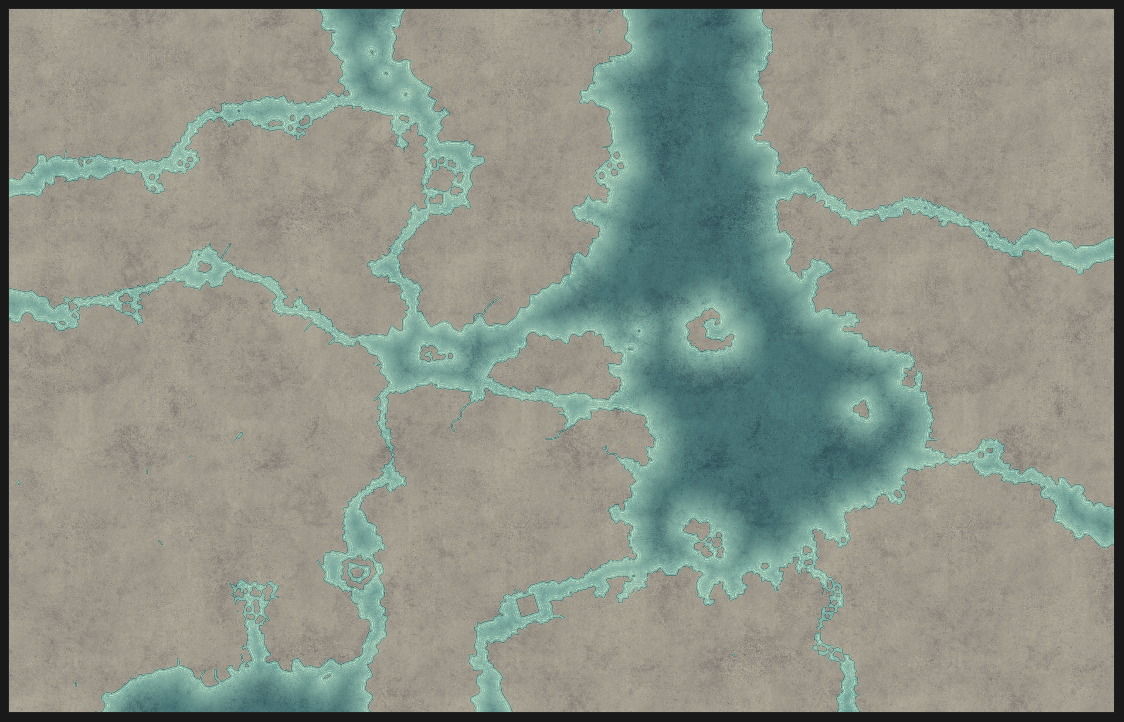
Using a smaller brush, chop up the edges. Flow water inward through inlets. Dot the coasts and waters with outcroppings and islands.
-
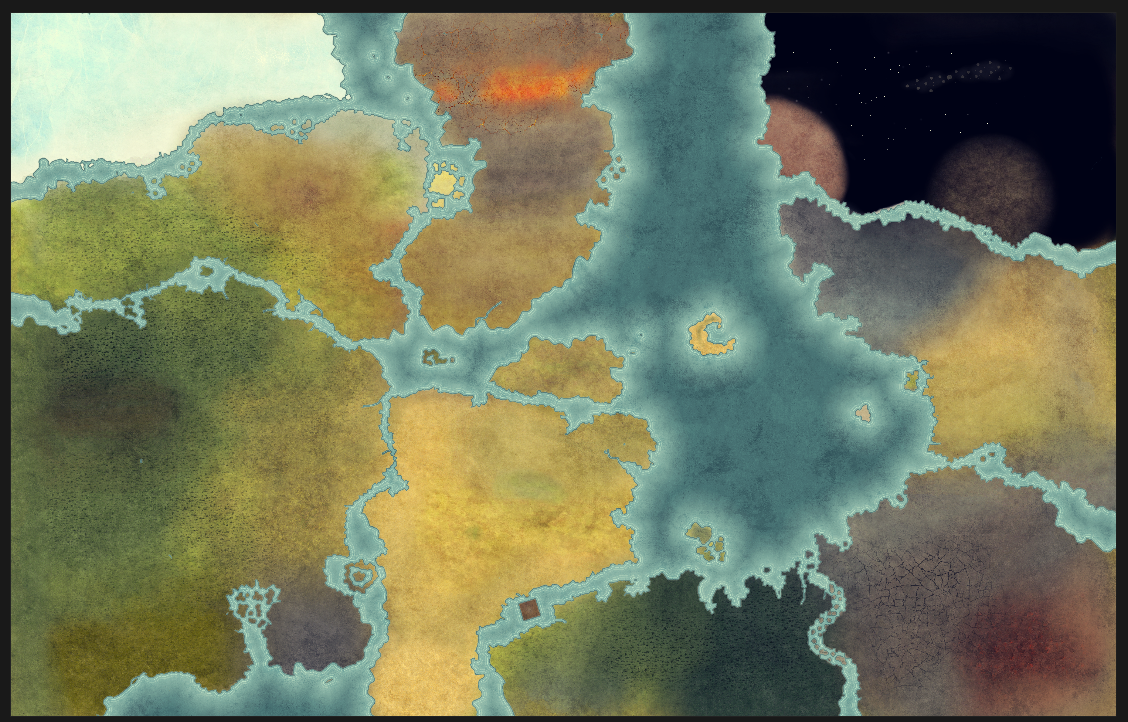
Add Textures with the Brush Tool. Recommended Textures for each terrain type are listed in the Recommended Textures section. Blend the textures using opacity 0.35.
-
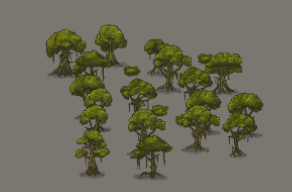
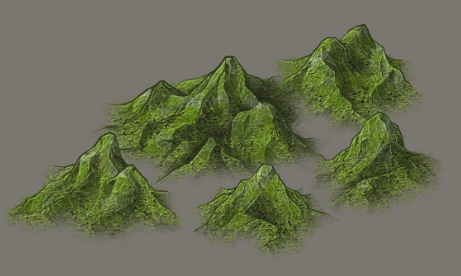
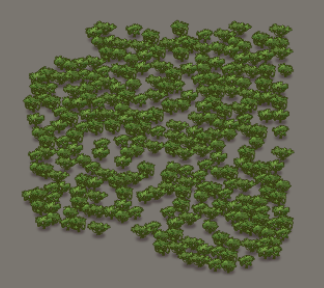
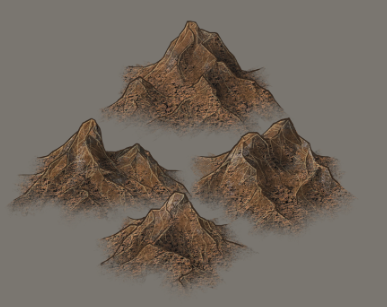
Place stamps for mountains, hills, rocks, trees, cities, etc. See the Recommended Stamps section for the exact stamps and modifications I use for each. The Hue, Saturation, Brightness, Contrast, and Density changes need a paid plan.
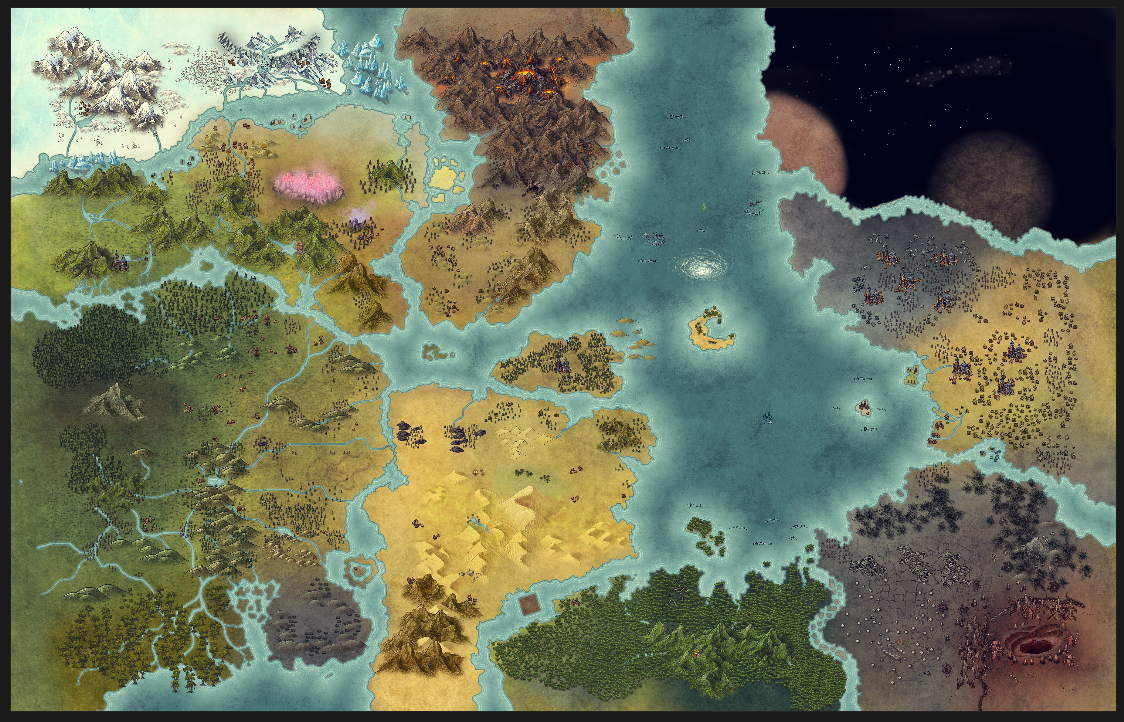
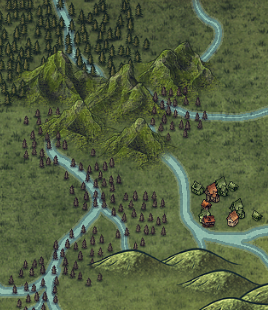
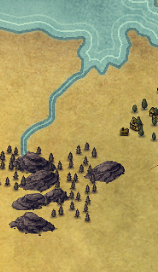
- Cut in rivers with the Land Tool in subtract mode. In the Rivers section, I detail the settings for 5 sizes of rivers, from broadest to narrowest.
Read the rest for free
Enter your email and we'll send you a sign-in link. It unlocks this page and all 81 free tools. No password.
This is a guide on replicating this aesthetic for world maps in Inkarnate:
Tutorial
ℹ️ Note: I will not be creating geographically accurate climate or rivers. This is just for demonstrating an aesthetic.
-
Hide all layers.
-
Add filter layers (Add Layer, then Filter Layer) and keep them at the top of the Layers panel, using settings shown in the Filter Settings section.
- Show Water (Brush). Before Inkarnate 2.0 this layer was called Background.
-
With brush tool, fill Water (Brush) with #3a7472. Painting with a color needs a paid plan.
- Show Land (Brush). Before Inkarnate 2.0 this layer was called Foreground.
- Set the Land Tool settings and the land layer's Land Style Options, using the settings shown in the Land Tool Settings section. Custom Land Style values need a paid plan.
-
Draw some land masses.
-
Using a smaller brush, chop up the edges. Flow water inward through inlets. Dot the coasts and waters with outcroppings and islands.
-
Add Textures with the Brush Tool. Recommended Textures for each terrain type are listed in the Recommended Textures section. Blend the textures using opacity 0.35.
-
Place stamps for mountains, hills, rocks, trees, cities, etc. See the Recommended Stamps section for the exact stamps and modifications I use for each. The Hue, Saturation, Brightness, Contrast, and Density changes need a paid plan.
-
Cut in rivers with the Land Tool in subtract mode. In the Rivers section, I detail the settings for 5 sizes of rivers, from broadest to narrowest.
-
Shading and shadows. This is the magic part!
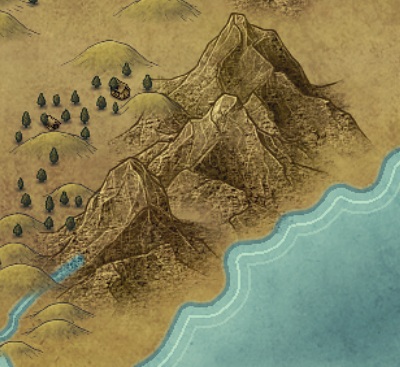
- First, decide what direction your light will come from. I chose top-left. Use two different "Light" stamps to create a lit half and a shadow half of all elevated features: mountains, dunes, hills, etc.
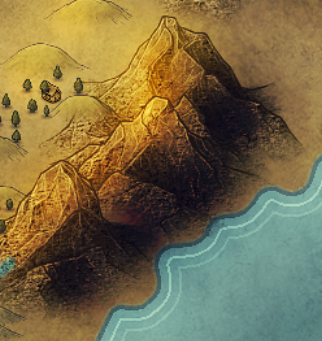
- I put the gold stamp on the NW side of the features, and the black stamp on the SE side of the features. The exact settings for these stamps is in the Recommended Stamps section.
- Here is an example of a basic stamp, the Light overlays, and the finished result.
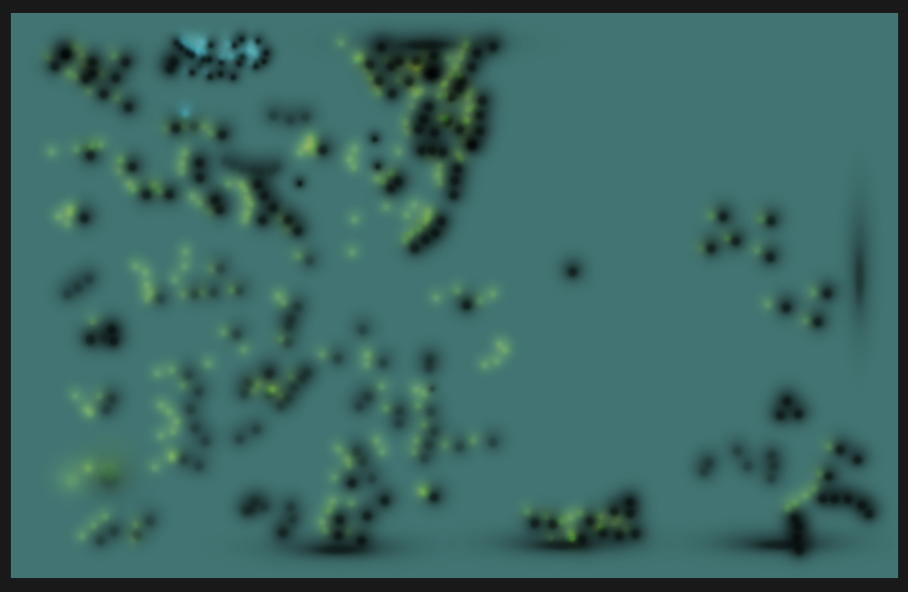
- When you're done, your Light layer might look like this.
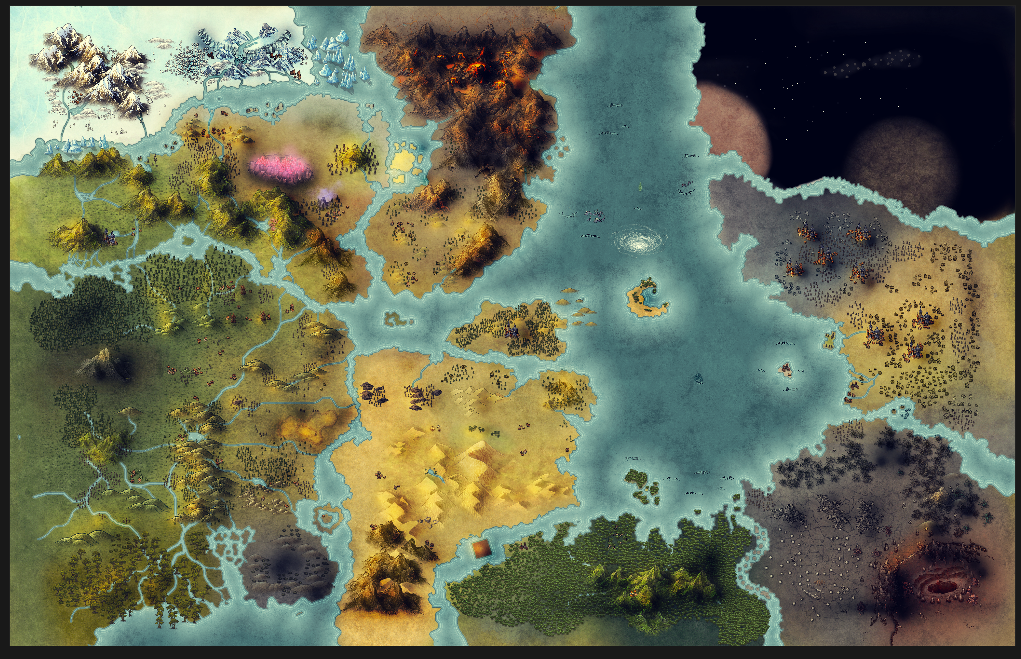
- And your result will look like this.
Light layer example:
Final result:
-
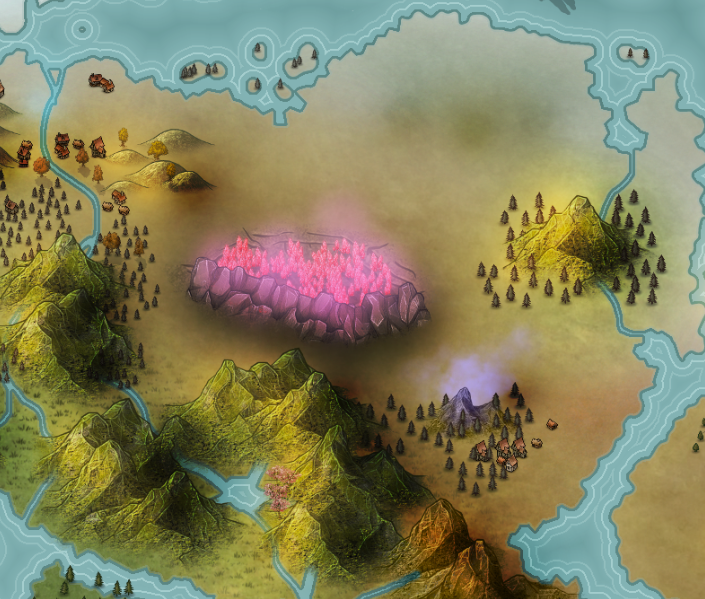
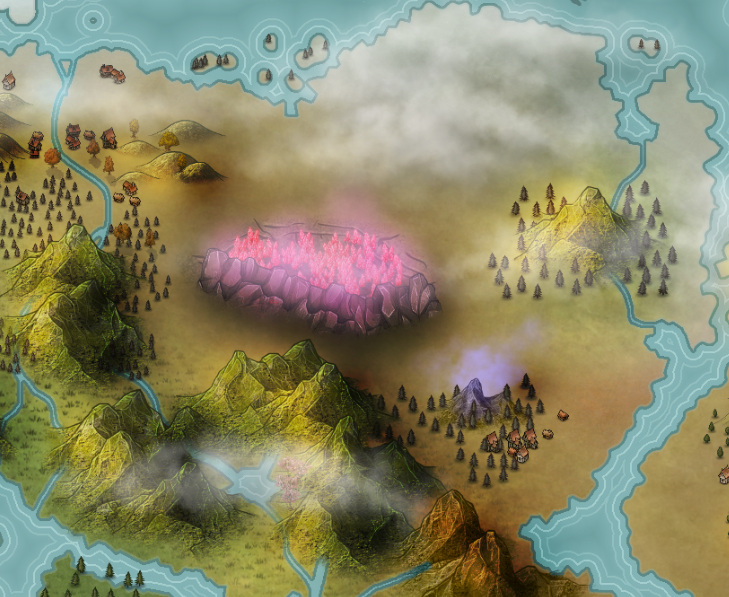
Time for clouds. Add in cloud stamps wherever appropriate: magical or dreamy places, swampy or steamy places, stormy places, industrial places, foggy or mountainous places, etc.
-
Let's add a border. Use an opaque cloud stamp, and replicate it around the edges.
-
Time for labels. Use the Recommended Labels section for the fonts and styles I use.
You're done!
Filter Settings
Show Filters: On
Filter 1: Color
Filter: Cold & Warm
Opacity: 60% (0.6)
Layer order: above every layer that is not a filter
Filter 2: Color
Color: Clarity
Opacity: 40% (0.4)
Layer order: above every layer that is not a filter
Filter 3: Texture
Texture: Filters / Old Paper
Mode: Repeat
Size: 40
Blend Mode: Overlay
Opacity: 40% (0.4)
Layer order: above every layer that is not a filter
Land Tool Settings
Shape, Roughness, and Smooth are in the Land Tool. Enable Land Style, Stroke, Outer Shadow, and Ripples Effect are in Land Style Options, a button on the Land (Brush) layer in the right-hand panel.
Shape: Edge
Roughness: 3
Smooth: On
Enable Land Style: On
Stroke
Color: #91b3b0
Opacity: 30%
Size: 1
Outer Shadow
Shadow Blur: 30
Distance: 2.9
Intensity: 0.52
Color: #bdedf1
Ripples Effect
Color: #defffd
Opacity: 30%
Width: 0.5
Count: 2
Gap: 1.5
River Settings
Action: Subtract
River 1
Shape: Edge
Size: 12
Roughness: 4
Smooth: On
River 2
Shape: Edge
Size: 6
Roughness: 3
Smooth: On
River 3
Shape: Circle
Size: 4
River 4
Shape: Circle
Size: 2
River 5
Shape: Circle
Size: 1
Recommended Textures
Ocean

Color: #3a7472
Ice
Texture: Ice & Snow / Ice 4
Grassland
Texture: Core / Grass Green 2
Grass Overlay
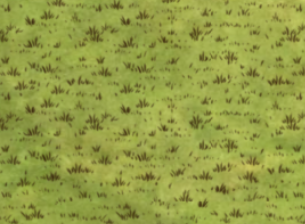
Texture: Alpha Textures / Grass
Forest
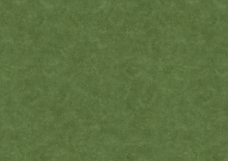
Texture: Grasslands / Land 14
Jungle
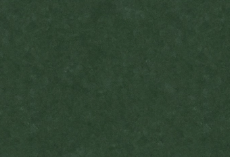
Texture: Grasslands / Land 12
Wild Plains

Texture: Core / Land Yellow 1
Civilized Plains
Color: #bfa967
Desert
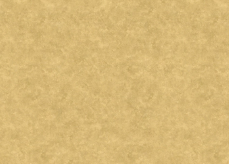
Texture: Barren Lands / Desert 3
Wasteland
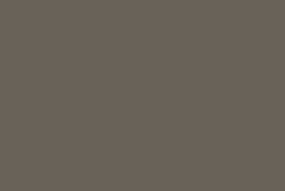
Color: #696258
Wasteland Overlay
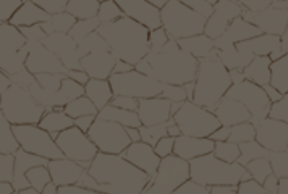
Texture: Alpha Textures / Cracked Ground
Texture Scale: 450
Swamp
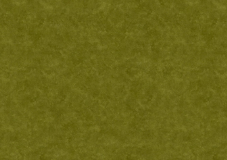
Texture: Grasslands / Swamp 1
Mountainous
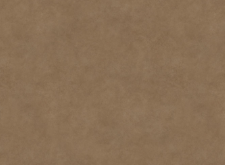
Texture: Parchment Textures / Parchment Brown 1
Recommended Stamps
Grass Lands
Green Mountains Large
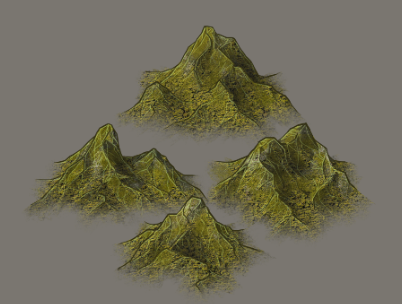
Hue: 10
Brightness: 115
Hills
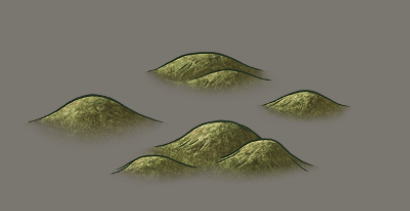
Leafy Green Bushes
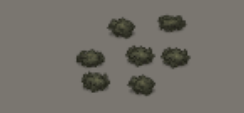
Hue: 10
Saturation: 30
Brightness: 75
Green Hills
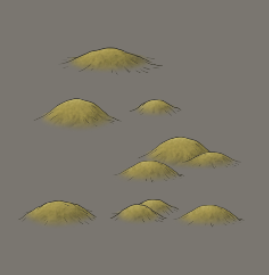
Rocky Plateau
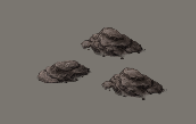
Forest Lands
Green Mountains Large
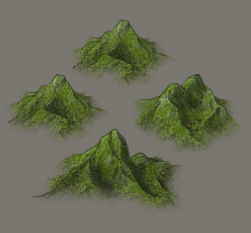
Hue: 20
Hills
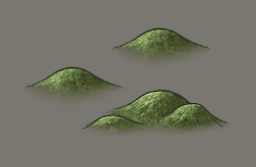
Pine Green Trees
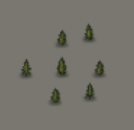
Scattered Small Pines: Scale: 50, Density: 35
Small Pine Forest: Scale: 50, Density: 70
Large Pine Forest: Scale: 75, Density: 60
Dense Large Pine Forest: Scale: 75, Density: 90
Swamp Lands
Swamp Trees
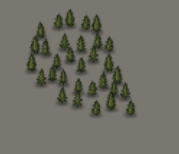
Hue: 10
Jungle Lands
Green Mountains Large
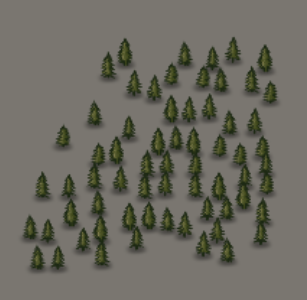
Hue: 20
Brightness: 110
Jungle Trees
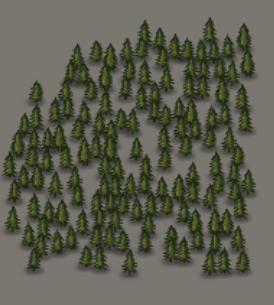
Saturation: 110
Brightness: 125
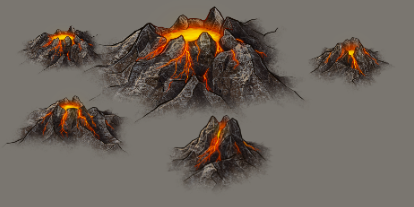
Mountain Lands
Green Mountains Large
Hue: -35
Saturation: 70
Brightness: 90
Volcanoes
Desert Lands
Green Mountains Large
Hue: -15
Saturation: 75
Brightness: 150
Contrast: 110
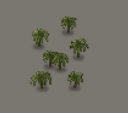
Palm Trees
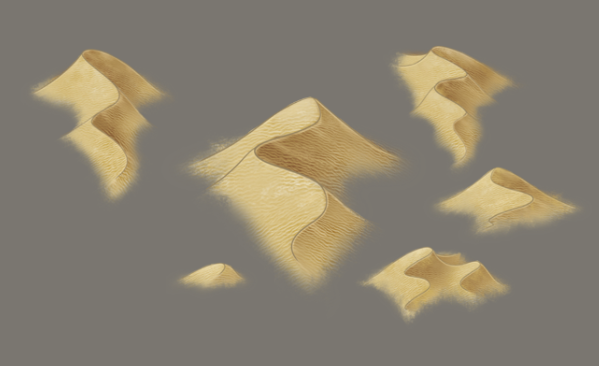
Dunes Long / Dunes Short
Hue: -5
Saturation: 130
Ice Lands
Mountains Snow
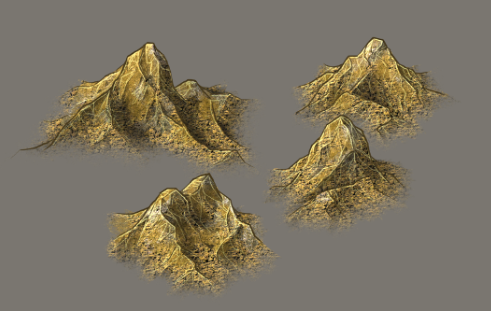
Snow Hills
Hue: 20
Saturation: 40
Brightness: 120
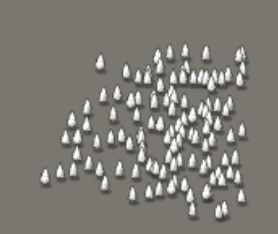
Pointy Snow Trees
Hue: 20
Saturation: 40
Brightness: 120
Snow Mountains Large
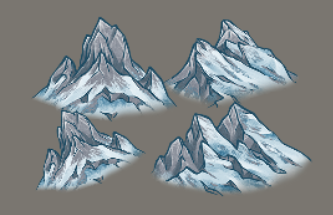
Hue: 20
Saturation: 40
Brightness: 120
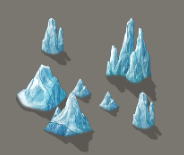
Icebergs
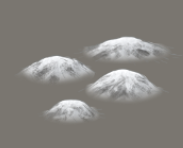
Dark Lands
Dark Hills
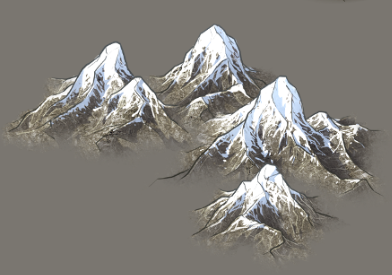
Rocky Mountains
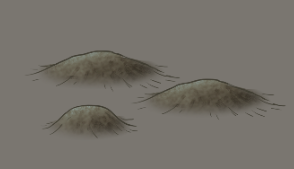
Tree Stumps
Saturation: 0
Corrupted Dead Trees
Saturation: 0
Rock Spikes
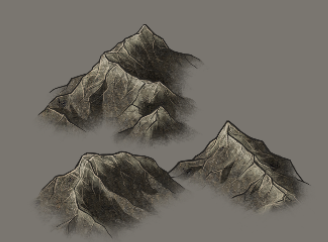
Saturation: 0
Pine Grey Trees
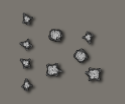
Buildings
Human Buildings
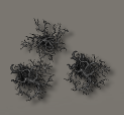
Gray alternate: Saturation: 0
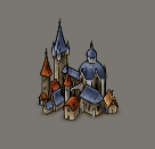
Human City 1
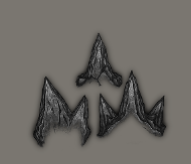
Human Capital 1
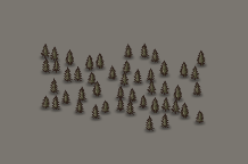
Shading & Shadows
Light
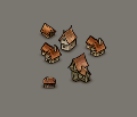
Blend Mode: Overlay
Opacity: 0.5
Shadow alternate
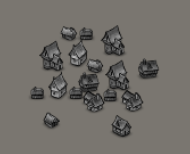
Blend Mode: Overlay
Opacity: 0.4
Saturation: 0
Brightness: 0
Heavy Shadow alternate

Blend Mode: Overlay
Opacity: 0.7
Saturation: 0
Brightness: 0
Hue: 20
Clouds
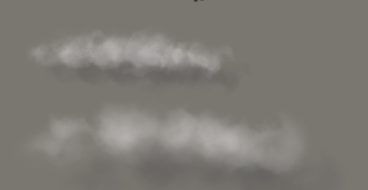
Nature Clouds
Alternate: Opacity: 0.5
Creeping Fog (For Mystic Auras)
Hue: 50
Saturation: 200
Brightness: 90
Core Clouds (For Borders)

Hue: 180
Saturation: 70
Brightness: 200
Misc Stamps
Whirlpool

Pits
Hue: 10
Recommended Labels
Country Label

Font: Lusitana
Size: 8
Fill Color: #f3f3f3
Outline Color: #000000
Outline Opacity: 80%
Outline Size: 1.6
Shadow Blur: 1.6
Shadow: Horizontal Offset: 4
Shadow: Vertical Offset: 4
Shadow Intensity: 1.5
Shadow Color: #000000
Opacity: 0.75
Curve: 10
Spacing: 1
Blend Mode: Hard Light
City Label

Font: Lusitana
Size: 5
Fill Color: #f3f3f3
Outline Color: #000000
Outline Opacity: 80%
Outline Size: 0.7
Shadow Blur: 1.6
Shadow: Horizontal Offset: 4
Shadow: Vertical Offset: 4
Shadow Intensity: 1.5
Shadow Color: #000000
Opacity: 0.9
Curve: 10
Spacing: 0
Blend Mode: Normal
City Label (alternate for light background)

Font: Lusitana
Size: 5
Fill Color: #312e2e
Outline Color: #e8e8e8
Outline Opacity: 80%
Outline Size: 3
Shadow: Off
Opacity: 0.9
Curve: 10
Spacing: 0
Blend Mode: Normal
Landmark Label
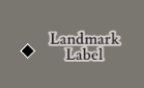
Font: Lusitana Bold
Size: 4
Fill Color: #202020
Outline Color: #ede6e6
Outline Opacity: 80%
Outline Size: 2
Shadow: Off
Opacity: 0.9
Curve: 0
Spacing: 0
Blend Mode: Normal
Diamond Stamp: "Black Square"
Terrain Label

Font: Lusitana
Size: 7
Fill Color: #202020
Outline: Off
Shadow Blur: 10
Shadow Intensity: 5
Shadow Color: #000000
Opacity: 0.75
Curve: 0
Spacing: 3
Blend Mode: Hard Light
Ready to Create Your Masterpiece?
Follow this guide step-by-step to create stunning world maps that will captivate your audience and bring your fantasy worlds to life.
Related Resources
150+ Seamless Biome & Parchment Textures
A curated collection of seamless biome and parchment textures for worldbuilders, GMs, and artists....
Universal Biome Model
A handy, simplified model for mapping the biomes of your world, based on rainfall and temperature.
16 Domains of Worldbuilding
A checklist of what a fictional world is made of: 16 domains in four groups, from the sky and the...